MyVillage
Every village tells a story.
MyVillage is the companion app for people who build miniature Christmas villages and Halloween towns, piece by piece — and want one honest place to keep track of it all: what you own, what it’s worth, how to display it, and who else is building.
● In final testing now — opening on the App Store soon
How MyVillage works
Four stages, one village
Everything in the app follows the way collectors actually work — find pieces, plan the display, build it, then enjoy and share it. A fifth space, Learn, holds the guides.
Collect
Browse the catalog, identify pieces from a photo, and keep your whole collection — no size limits, ever.
Design
Lay your display out at true size before you unbox a thing — pieces sit at their real recorded footprints.
Build
Step-by-step coaching for foam bases, streets, water, lighting, and power — written for every skill level.
Learn & enjoy
Twenty-eight guides to read at the kitchen table, and a village square where collectors share their displays.
pieces in the catalog — buildings, figurines, accessories, trees, and lighting
step-by-step build guides, each graded by experience level
ads, trackers, or data sold. No account needed just to use the app
Catalog & Identify
A catalog of 18,000+ pieces
Browse more than 18,000 village pieces from the lines collectors know — including Department 56 (Snow Village, Dickens Village, North Pole, and the Halloween lines), Lemax and Spooky Town, and smaller lines like St Nicholas Square, Carole Towne, and Cobblestone Corners.
Photo ID that shows its work
Found a piece at a shop, a show, or in a friend’s display? Take a photo — front or back — or pick one from your library. MyVillage compares it against thousands of catalog photos, including different angles of the same piece, and shows you the closest matches so you make the final call. Identification photos aren’t kept after the match is made.
Lines in the catalog
- Department 56 — Snow Village, Dickens Village, North Pole, Christmas in the City, Halloween
- Lemax — including Spooky Town
- St Nicholas Square
- Carole Towne
- Cobblestone Corners
- …and more, growing as collectors send corrections
Piece pages
Honest values, with the receipts
Where a piece has a recorded sales history, its value is the middle price of real recorded sales — and the app shows you the sales behind the number, so you can judge for yourself. Where there aren’t enough sales yet, we say so instead of guessing.
- Photos from several angles, where they exist
- True dimensions and weight — the numbers you plan a shelf by
- The years the piece was made, and its original retail price where recorded
- Every recorded sale behind the value, in plain sight
- A plain-English guide to how easy the piece is to find
- What owners say — reviews from collectors who have the piece
One line, up front
Every piece page leads with a single plain-English takeaway — what the piece is, what it needs on your shelf, and what it has been selling for — before any charts or details. The details are there when you want them; the takeaway is there first.
Learn
28 guides, graded by experience
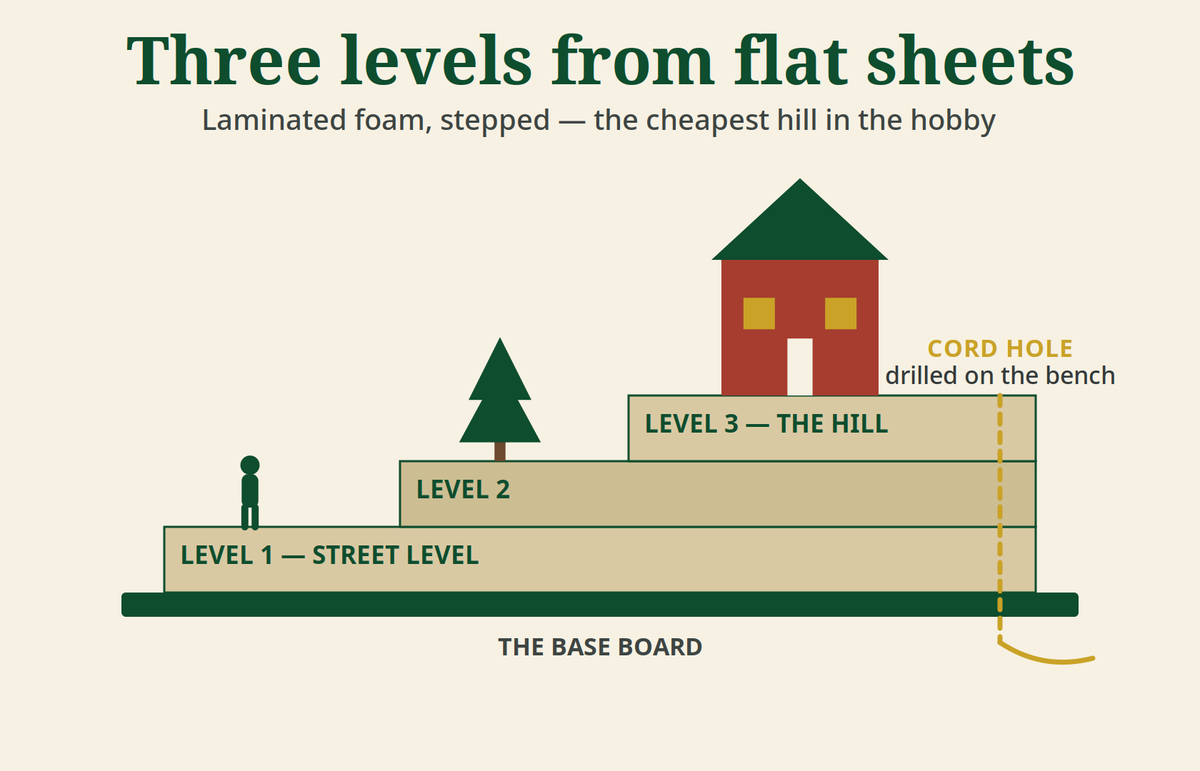
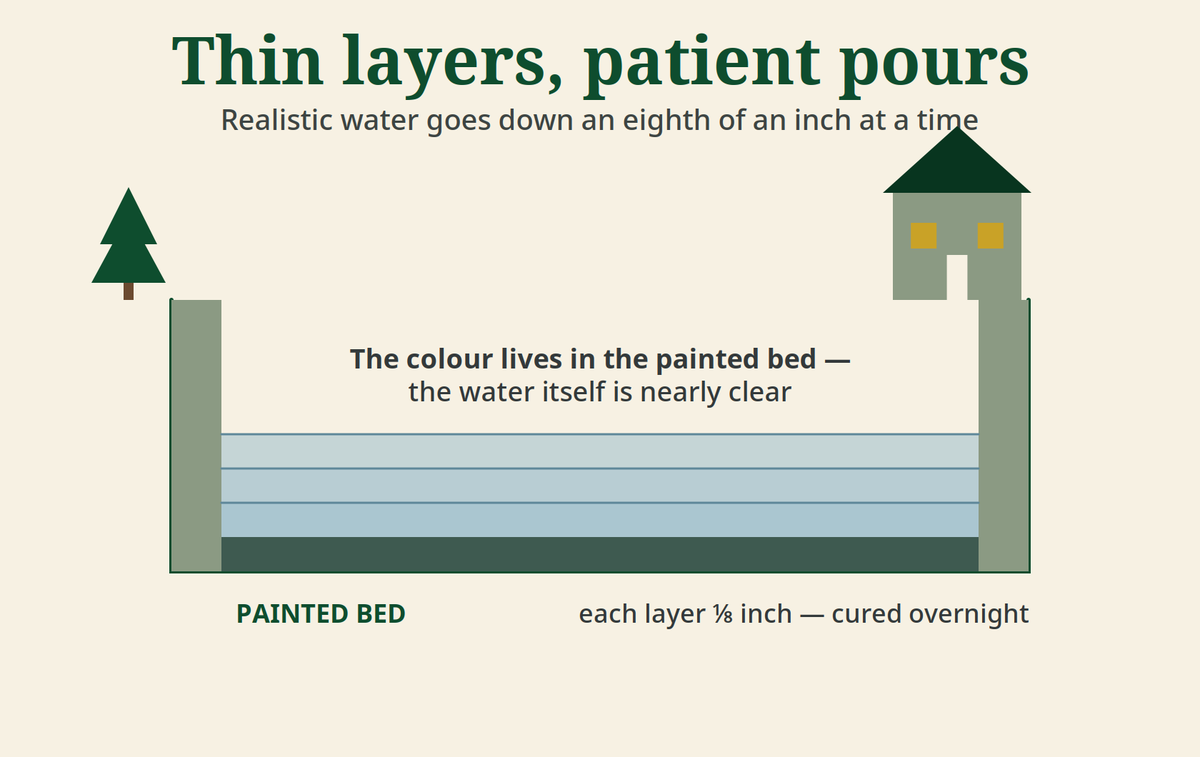
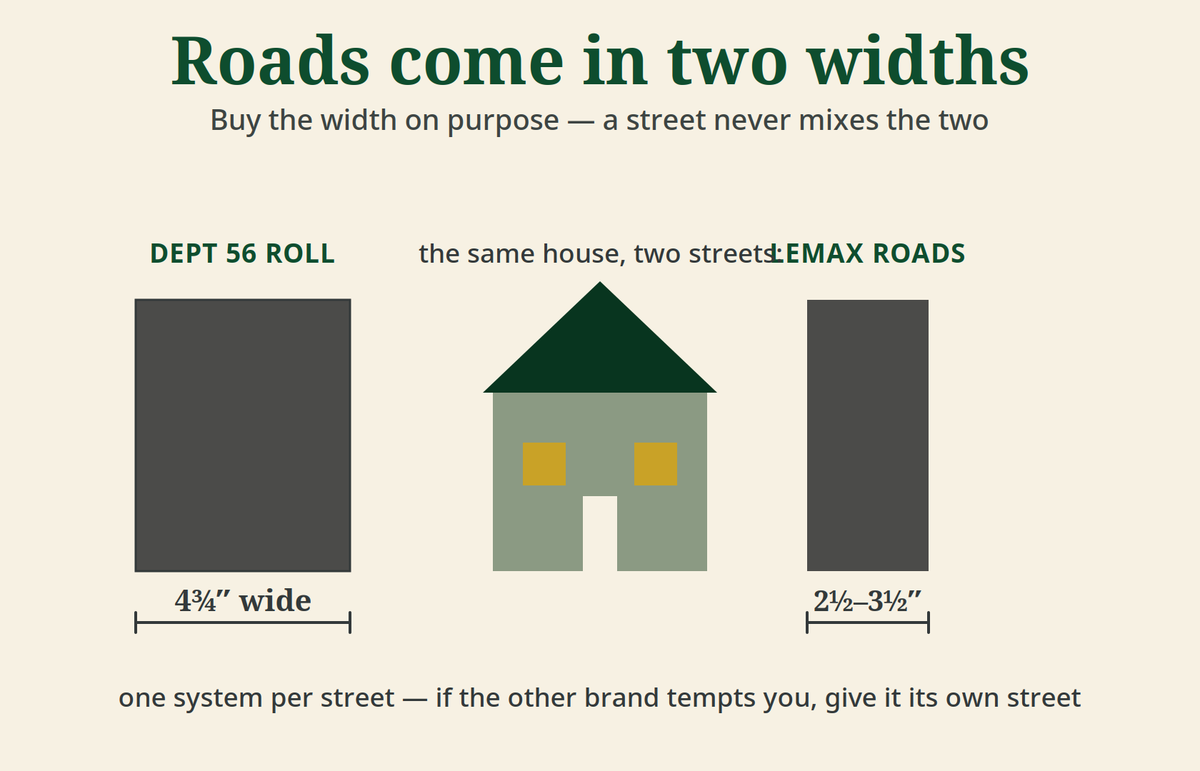
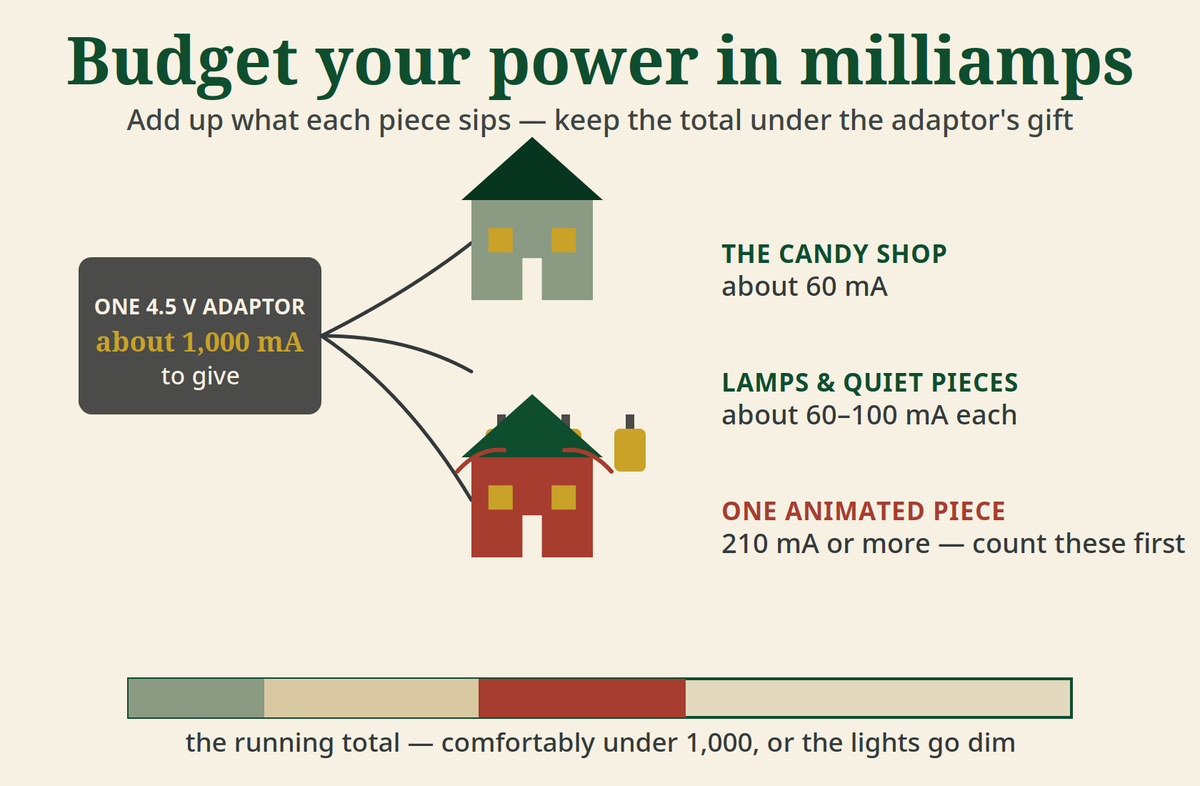
From your first foam base to resin water and a full power budget, the Learn library covers the whole craft. Every guide is graded — Beginner, Getting Confident, Skilled Builder, or Expert — and the app orders suggestions around your level: the right next step first, a gentler way where one exists, and a stretch when you’re ready. Nothing is locked; the level only changes what’s suggested first. Two pages from the guides:
Design & Build
Plan it before you build it
Lay your display out at true size before you unbox a thing. Pieces sit at their real recorded footprints, so the plan you make on the screen is the space the village will really take on the table.
When you’re ready to build, step-by-step coaching walks the job in order — base, terrain, streets, water, wiring, snow — with the common mistakes and their fixes written into every step, and an easier alternative offered wherever a step can be done a gentler way.
Getting MyVillage
Coming soon to the App Store
MyVillage is in its final round of testing with collectors right now. It is not on the App Store yet — when it opens, this page will carry the download button, plain as day. There’s no email list to join and nothing to sign up for here; just check back.
- Free. No ads, and we don’t sell data.
- No account required to browse, collect, plan, and identify pieces.
- A free account (Sign in with Apple, or email) backs up your collection and lets you post in the village square.
- For iPhone. Built for the phone in your pocket at the flea market.
Questions in the meantime? Visit the support page or write to tpallas55@gmail.com — a person reads these.